
Disclosure: This post contains affiliate links. Publish Pass may earn a commission if you purchase through them, at no extra cost to you. We only recommend tools we’d use ourselves and never fabricate screenshots, dashboards, or earnings claims.
Best Stream Deck for Creators Who Batch Record & Clip Shorts
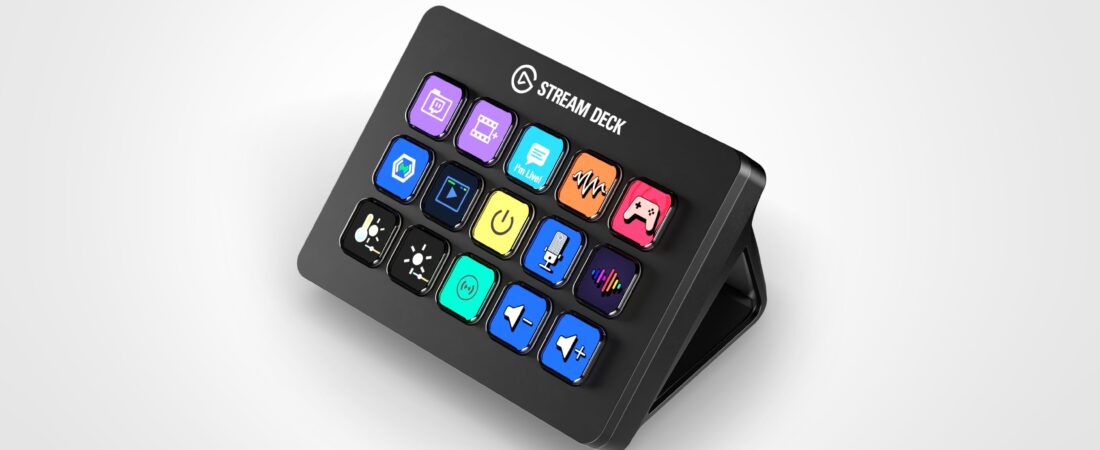
A Stream Deck does not improve footage quality. It reduces friction so long talking-head or screen-plus-face batches stay consistent—same OBS scene, mute, record arm, and edit macros—while you feed AI clippers.
This guide compares Elgato Stream Deck Mini vs Neo vs MK.2 for solo creators who batch 10–40 minute takes, then clip for Shorts. Specs and feature claims come from Elgato / public listings, not hands-on testing by Publish Pass. Pair with our mic + lighting and webcam / capture stacks; this page does not re-sell those SKUs.
Who this is for
- Creators who batch long talking-head or screen+face takes into OBS / desktop apps, then clip with AI tools
- Solo operators who lose takes fumbling mouse menus mid-sentence
- Editors who want one-handed hotkeys for Premiere / Resolve / Descript-adjacent desktop workflows
Who should skip
- Phone-only creators who never record into a PC (see the phone tripod / gimbal guide once live)
- People who only need 2–3 keyboard shortcuts and won’t open Stream Deck software
- Full live Twitch production already on Stream Deck XL / + (wrong page)
Why a console helps batch recording (not streaming-only)
Batch days fail when every mute, scene switch, or record start requires hunting menus. A small LCD keypad keeps those actions under one thumb so takes stay the same length and framing for the clipper downstream.
Honest limits up front: USB desk clutter, Elgato software / Marketplace plugins to maintain, and zero requirement for beginners who are still learning OBS. No “this deck made me go viral” claims.
Mini vs Neo vs MK.2
| Mini | Neo | MK.2 | |
|---|---|---|---|
| Keys | 6 | 8 + touch page-flip / Infobar | 15 |
| Best when | Tight desk, few actions | Modern mid / simple paging | Creator default for OBS + edit macros |
| Skip if | You already outgrew 6 keys | You need 15 visible keys | You only need 3 shortcuts |
| Rough role | Budget compact | Mid | Featured creator pick |
Prices move; check the live Amazon listing. Specs below are from public product information.
Budget / compact: Elgato Stream Deck Mini (6 keys)
Why it fits small desks
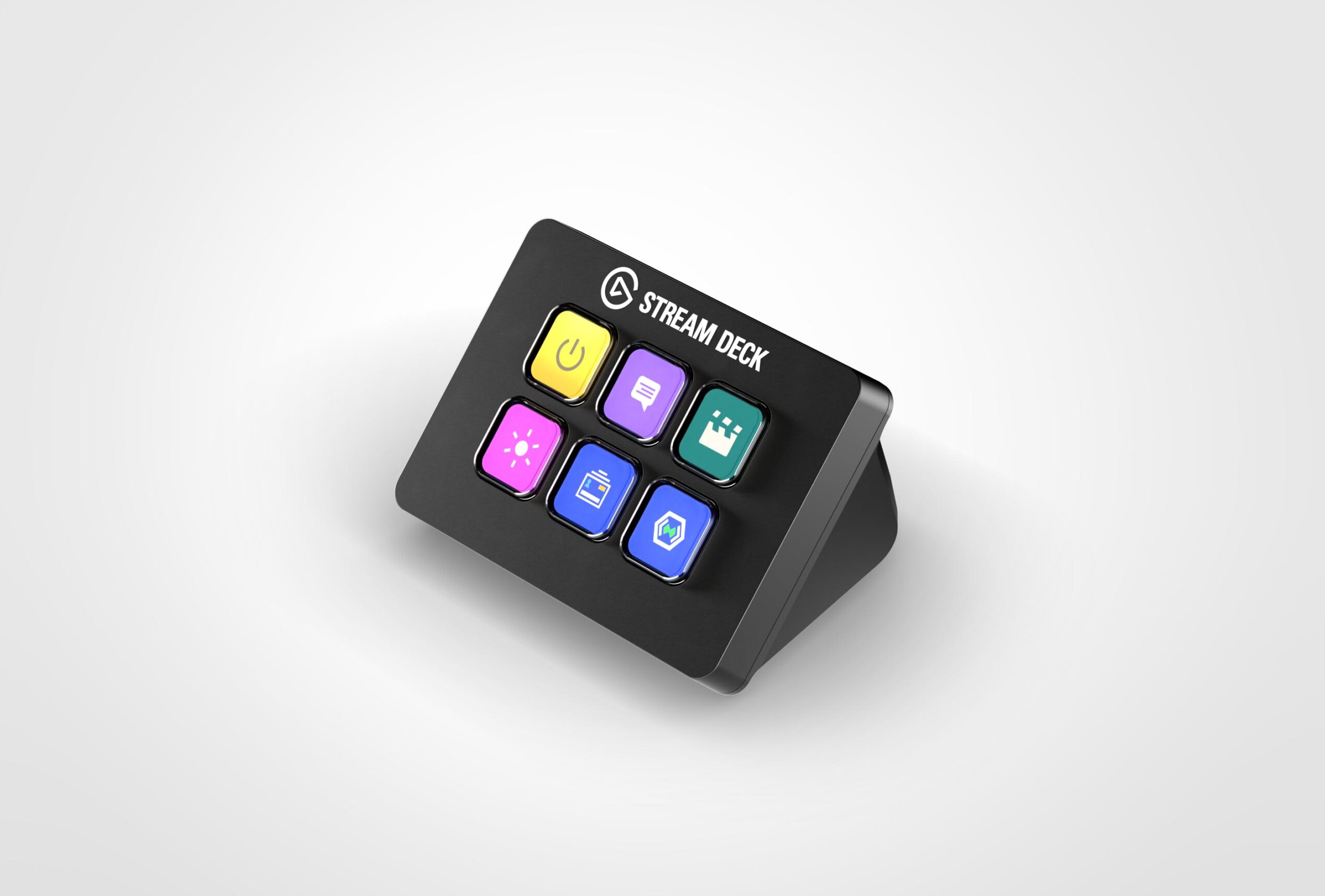
Elgato’s Mini is the compact 6-key entry: enough for record / stop, mute, scene A/B, and a couple of folder jumps without eating the whole desk. Same Stream Deck software ecosystem as larger decks.
Limitations: Six keys fill up fast once you add lights, timers, and edit macros—you’ll rely on folders/pages. Not hands-on tested by Publish Pass.
Buy: Elgato Stream Deck Mini on Amazon
Mid: Elgato Stream Deck Neo (8 keys + touch points)
Why it fits modern batch desks
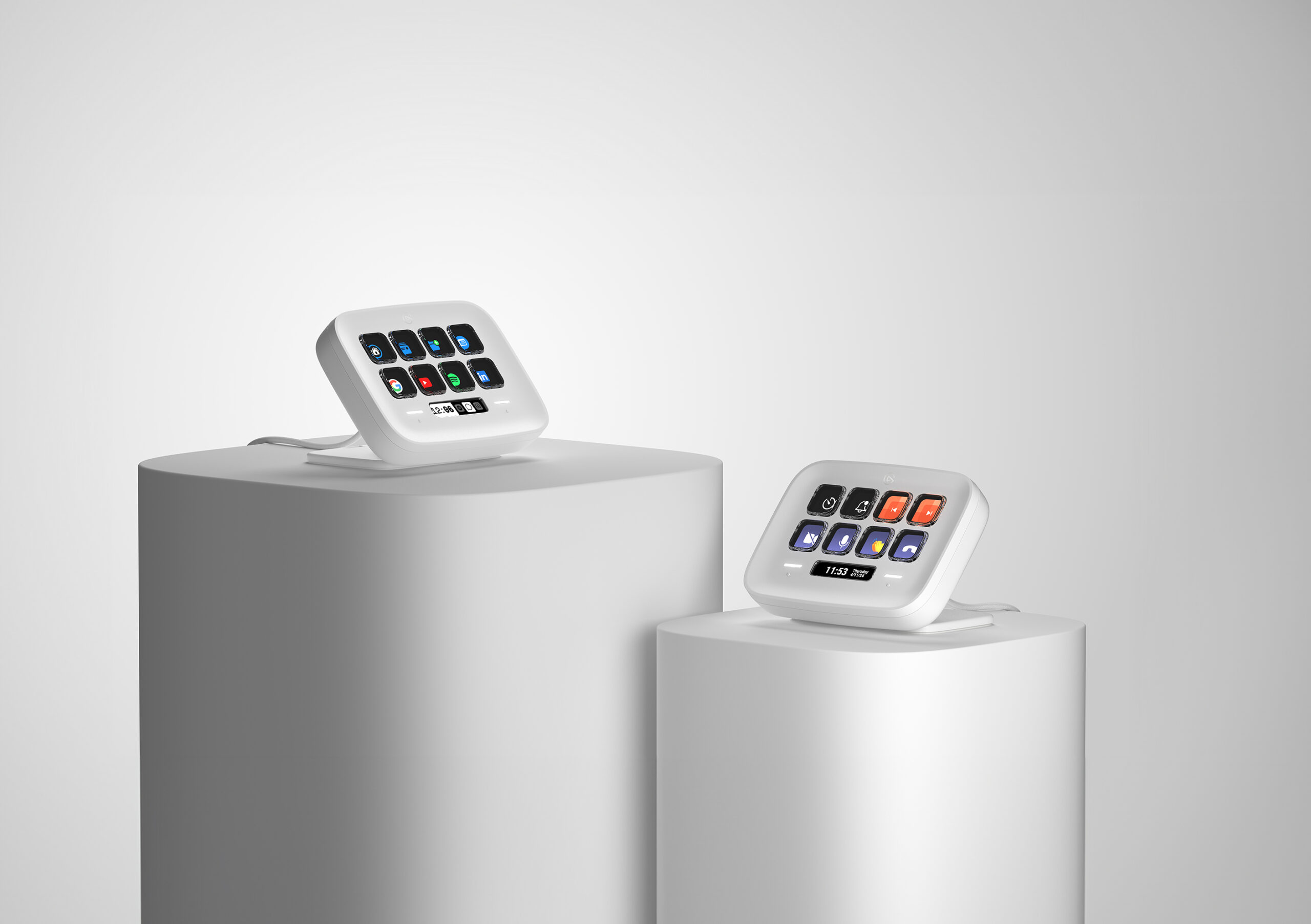
Public Neo copy highlights 8 LCD keys, an Infobar, and two capacitive touch points for flipping action pages without burying everything in nested folders. A practical middle for creators who want more than Mini without committing to 15 keys.
Limitations: Still not 15 visible keys. Depends on Elgato software staying supported. Not hands-on tested by Publish Pass.
Buy: Elgato Stream Deck Neo on Amazon
Creator default: Elgato Stream Deck MK.2 (15 keys)
Why it fits most batch + clip desks
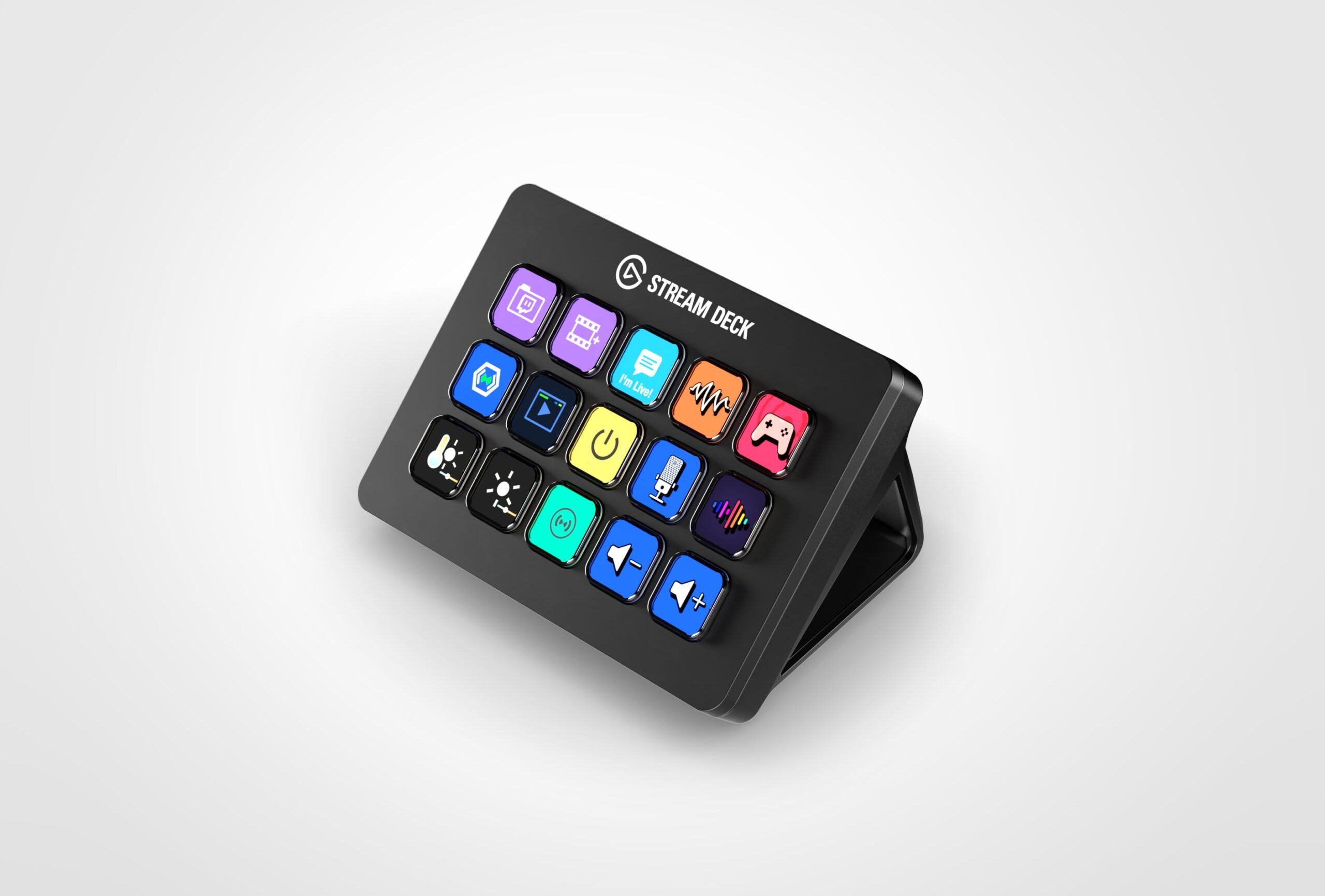
The MK.2 is the common 15-key creator console: room for OBS scenes, mute, record, markers, folder jumps, and a few Premiere/Resolve macros on one page. Public materials note a detachable USB-C cable, adjustable stand, and interchangeable faceplates.
Limitations: Larger footprint and cost than Mini/Neo. XL is overkill unless you already outgrew 15 keys. Software login / plugin updates are ongoing chores. Not hands-on tested by Publish Pass.
Buy: Elgato Stream Deck MK.2 on Amazon
Starter page layout for Shorts batching (prose, not a screenshot)
A simple first page many batch creators use:
- Record start / stop (OBS or your capture app)
- Mute / unmute mic
- Scene: talking-head
- Scene: screen + face (or B-roll bin)
- Folder: edit macros (cut, ripple, export preset)
- Timer / break reminder
- Spare keys for light presets or “mark good take” if your stack supports it
Keep icons obvious. Nested folders beat a crowded first page. We do not show fake Stream Deck UI screenshots.
What not to buy yet
- Stream Deck XL until 15 keys are genuinely full on a normal batch week
- Pedals / + dial models before your core page is stable
- A Stream Deck instead of fixing mic, light, or camera bottlenecks
Pair with mic + lighting + webcam
Console after capture path is coherent:
- Mic + lighting for batch shorts
- Webcam / capture for desk short-form
- Monitoring headphones for batch VO
Quick pick
| Situation | Pick |
|---|---|
| Tiny desk / ≤6 actions | Mini |
| Want modern mid + page touch points | Neo |
| Default creator OBS + edit macros | MK.2 |
| Phone-only, no PC | Skip this page |
| Already on XL for live production | Wrong page |
FAQ
Will a Stream Deck improve my video quality?
No. It improves consistency and speed of control—not sensors, codecs, or lighting.
Do I need Marketplace plugins?
Only if a plugin maps cleanly to your app. Stick to official OBS / system actions first; third-party plugins vary in reliability.
Mini or MK.2 first?
If you already know you’ll bind scenes, mute, record, and edit macros, MK.2 saves a second purchase. Mini is fine for a tight proof-of-workflow.
Does this replace keyboard shortcuts?
It complements them. Power users often keep a few muscle-memory keys and put the rest on the deck.
How we chose these products
Publish Pass is a privately owned and operated site. For this gear page we:
- Verified live Amazon ASINs for Mini (B07DYRS1WH), Neo (B0CVY4566H), and MK.2 (B09738CV2G) (~2026-09-24 PT)
- Relied on Elgato-stated features and common creator use, not fabricated productivity percentages
- Focused on batch recording / clipping, not Twitch-only production
We will not invent earnings or subscriber claims around owning a Stream Deck.
Affiliate links use Amazon Associates tag publishpass20-20. Product availability and included accessories can change; re-check the listing before you buy.