
Disclosure: This post contains affiliate links. Publish Pass may earn a commission if you purchase through them, at no extra cost to you. We only recommend tools wed use ourselves and never fabricate screenshots, dashboards, or earnings claims.
If you batch short-form talking-head or demo clips for AI clippers and editors, capture quality matters more than most people admit. Clean audio and even light mean less time fixing muddy takes and more usable clips for tools that cut, caption, and repackage your footage.
This guide is a practical mic + lighting stack for creators who record many shorts in one sitting—not a studio build-out, and not a gear flex list. Recommendations are based on documented manufacturer specs and common creator use, not hands-on testing by Publish Pass. We link only products we could verify on Amazon with real ASINs.
Who this is for
- Creators who batch face-to-camera or voice-forward shorts (YouTube Shorts, TikTok, Reels) on a desk or small room setup
- People feeding long takes into AI clippers / editors and wanting consistent levels and skin tones across a session
- Solo operators who want USB plug-and-play audio and lights they can reset the same way every batch day
Who should skip
- Faceless channels that only use stock or generative B-roll and never record voice or face (you may only need a quiet USB mic for voiceover)
- Teams already on XLR + interface workflows—this guide stays in USB / desk-light territory
- Anyone chasing cinema lighting or music production; these stacks optimize for repeatable short-form talking head, not film sets
What “good enough” looks like for batch shorts
For AI-assisted short-form, aim for:
- Voice first — cardioid (or switchable) USB mic close to the mouth, gain set so peaks don’t clip
- One key light (or soft key) — soft, front-ish light so faces don’t look like a cave when the clipper crops tight
- Same geometry every take — boom arm + marked desk positions so batch #12 matches batch #1
- Skip the capture card (usually) — phone or webcam into the computer is enough for most shorts; a capture card is optional if you record a console or dedicated camera HDMI
We do not invent earnings, view counts, or this mic paid for itself” stories. Buy for clarity and batch speed.
Budget stack vs step-up stack
| Role | Budget stack | Step-up stack |
|---|---|---|
| Mic | FIFINE K669B USB condenser | Logitech for Creators Blue Yeti (Blackout) or Elgato Wave:3 MK.2 |
| Light | Neewer 2× softbox continuous kit | Elgato Key Light Air MK.2 |
| Mount | InnoGear desk boom arm | Same boom arm (or brand arm if you standardize on Elgato/Blue) |
| Rough job | Fast USB voice + soft continuous light for a corner desk | App-tunable desk key light + more flexible / broadcast-oriented USB mic |
| Best when | You’re validating a batch workflow on a tight budget | You already batch weekly and want faster light recall + nicer onboard mic controls |
Prices move; check the live Amazon listing. Specs below are from public product information.
Budget stack (batch-ready without overspending)
1. FIFINE K669B USB microphone
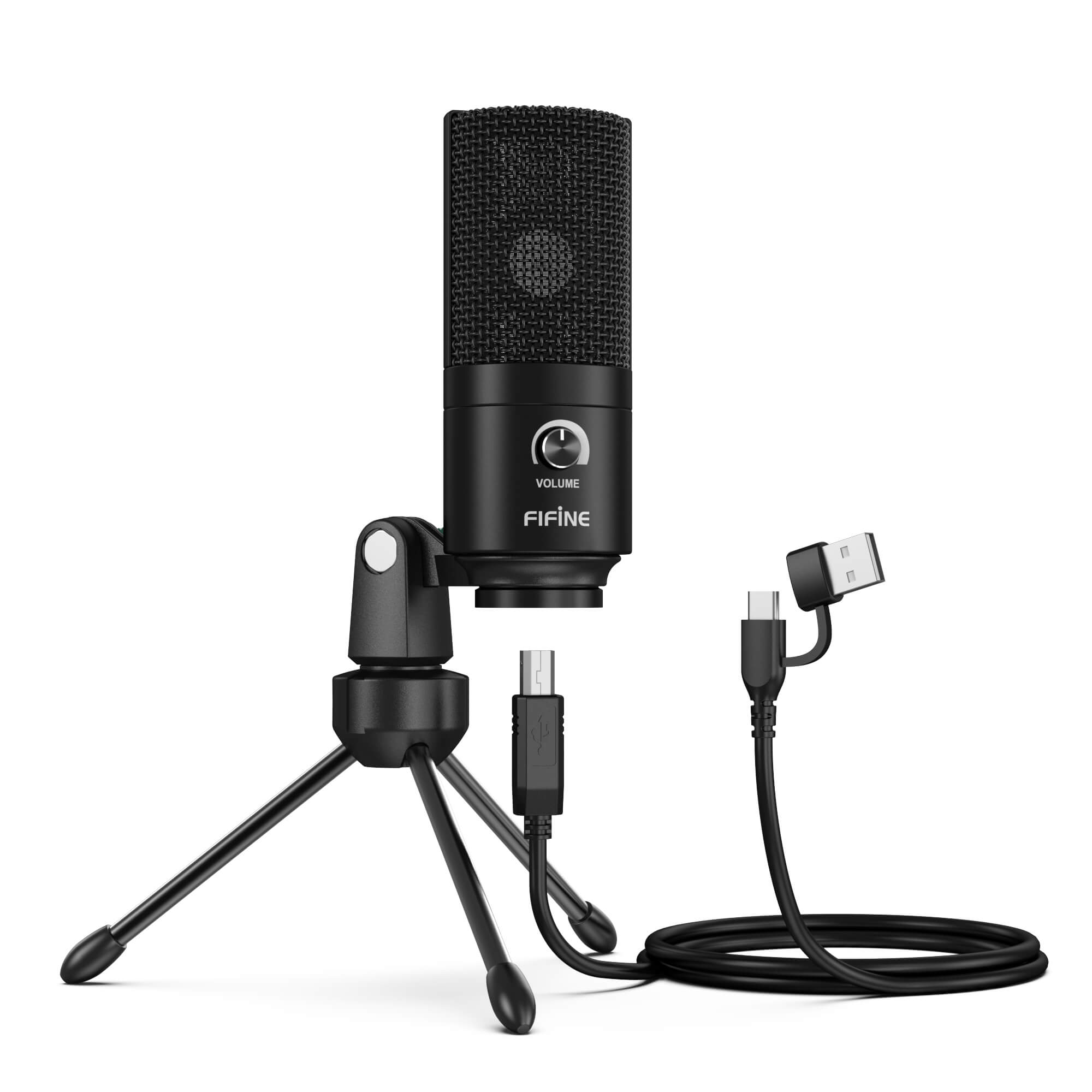
Why it fits batch shorts: Plug-and-play USB condenser with a cardioid / unidirectional pattern, onboard volume knob, metal body, and a small tripod in the box. Public listings cite roughly 20 Hz20 kHz response and an advertised ~78 dB S/N figure—enough for clear VO and talking-head if you sit close and keep the room quiet.
Limitations (honest): Condenser USB mics pick up room noise and keyboard clatter. No multi-pattern switching like a Yeti. Not for phones/Xbox per manufacturer notes.
2. Neewer softbox continuous lighting kit (2-pack)
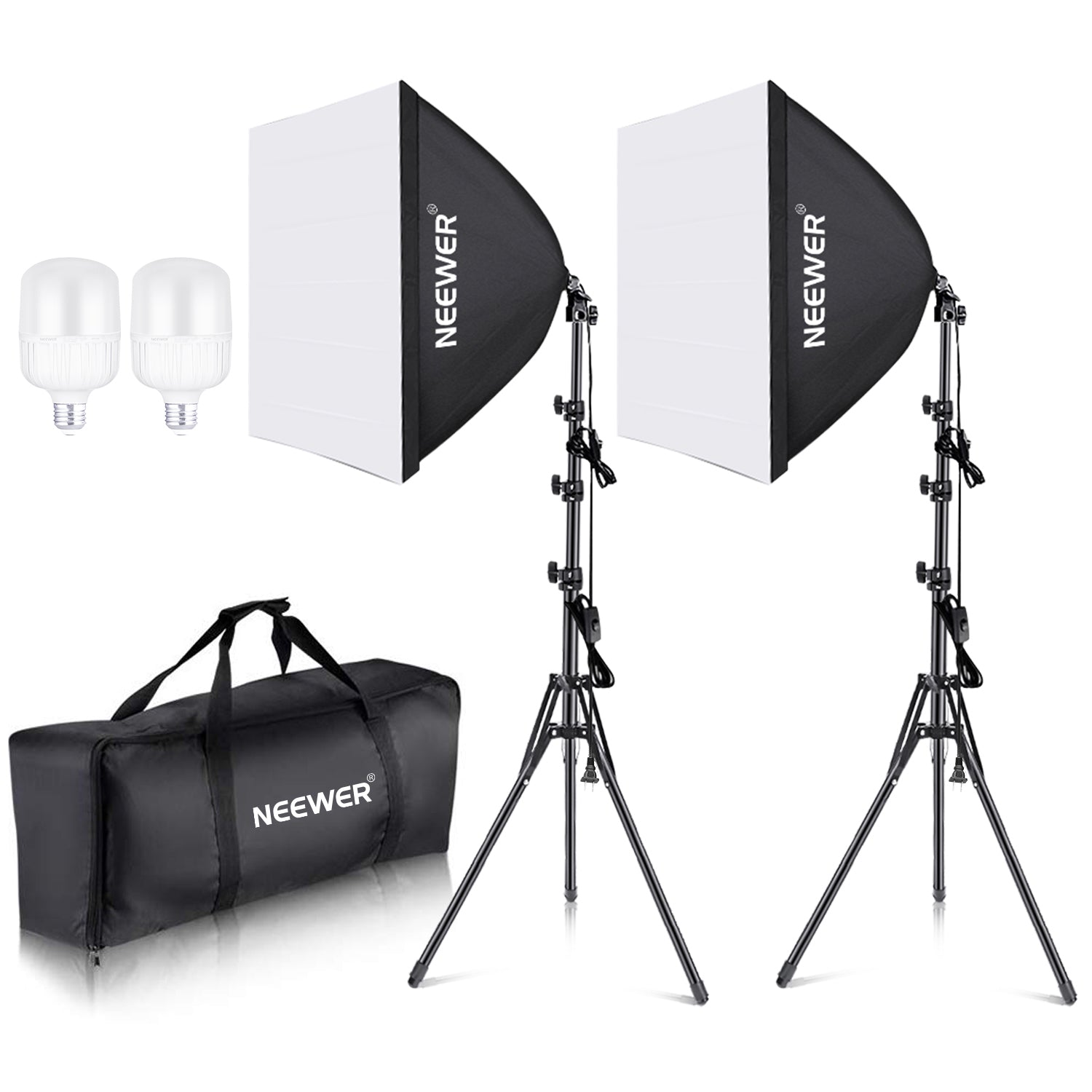
Why it fits batch shorts: Two 24×24″ softboxes, LED bulbs around 5700K, and stands in one kit. Softboxes spread light and reduce harsh shadows—useful when AI tools crop tight on faces. Fixed daylight-ish color is fine if you white-balance once and leave it.
Limitations: Stands can feel light; mind cable tug and footprint in a small room. Not app-controlled bi-color like Elgato key lights. Treat “700W equivalent” marketing as incandescent-equivalent framing, not literal watt draw—use the stated LED wattage/lumen figures on the listing.
Buy: Neewer 2-pack softbox kit on Amazon
3. InnoGear microphone boom arm
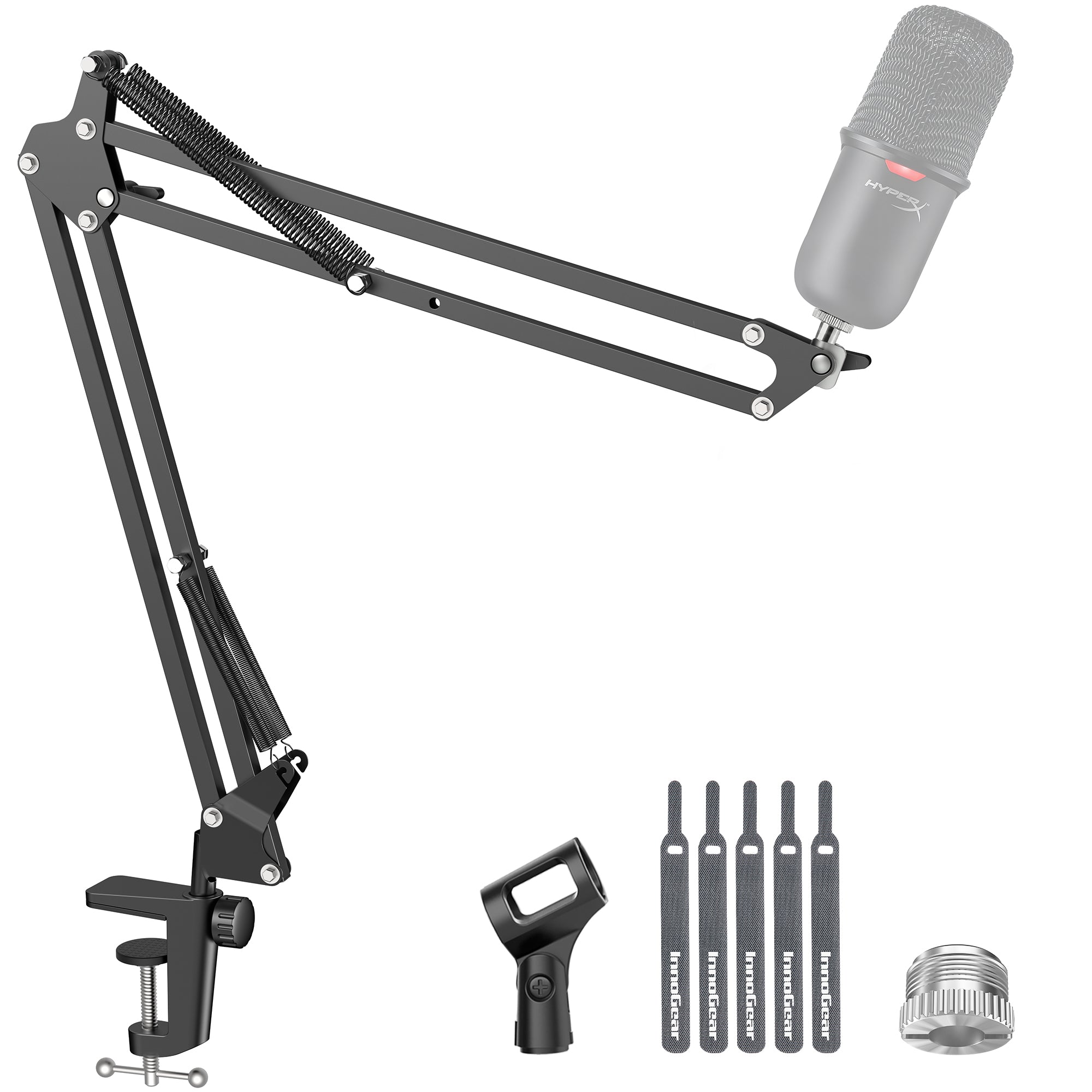
Why it fits batch shorts: Desk-clamp boom so the mic stays 6–12 inches off-axis from your mouth without eating frame space. Compatibility lists commonly include Blue Yeti, FIFINE, and similar USB mics (adapters included on many kits). Load ratings on current listings are typically in the ~3.3 lb / 1.5 kg class—confirm your mic’s weight.
Limitations: Springs and clamps wear; dont overtighten into glass or thin desktops. Shock mount often sold separately.
Buy: InnoGear boom arm on Amazon
Budget stack setup tip: Softbox key at ~45 to your face, second softbox as fill or hair/background separation, mic on boom just out of frame, record 10–20 minute batches, then send the file to your clipper.
Step-up stack (faster recall, nicer controls)
1a. Logitech for Creators Blue Yeti (Blackout) — flexible USB staple
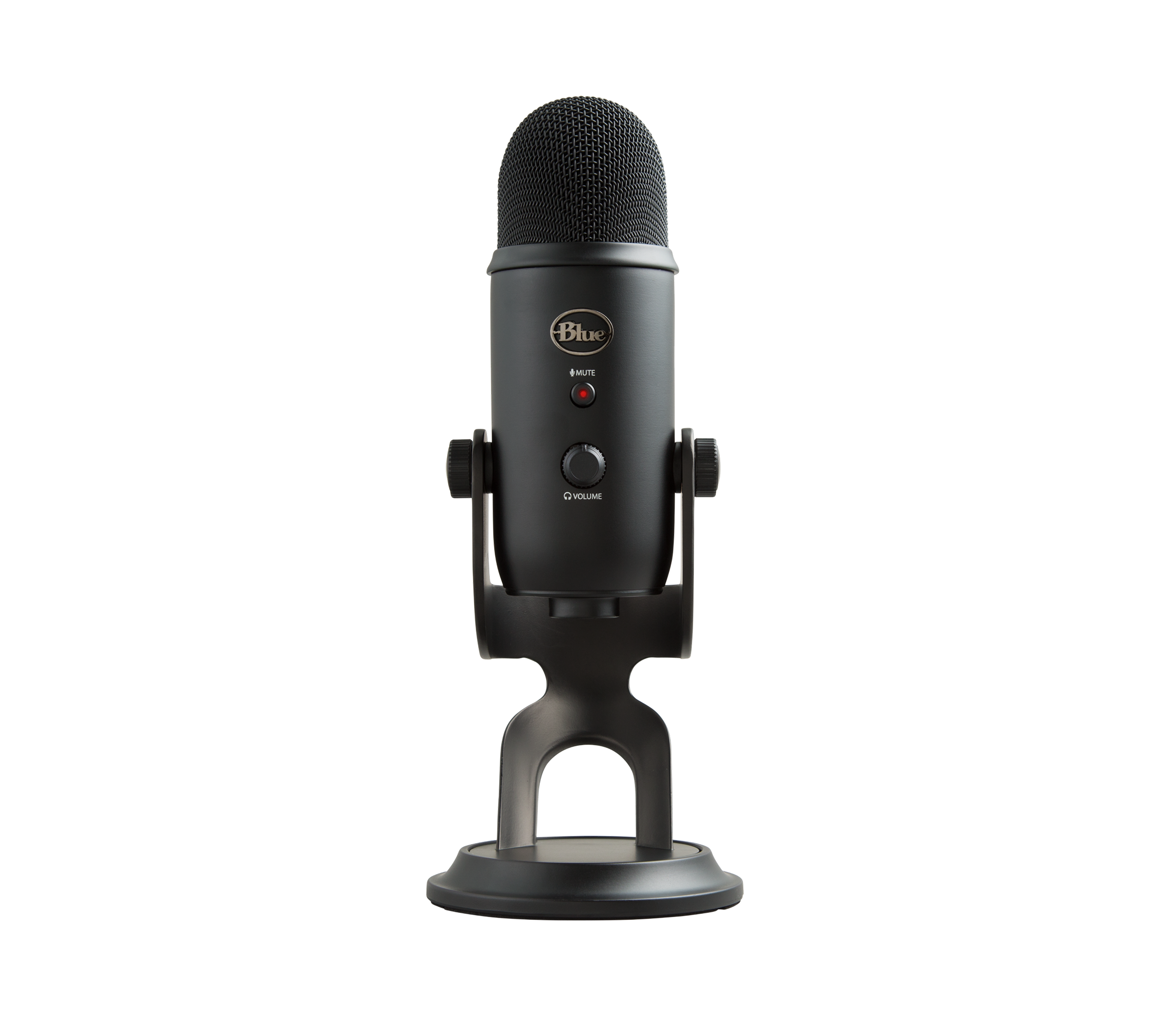
Why creators still buy it: Multi-pattern USB mic (cardioid / omni / bidirectional / stereo), onboard gain, mute, headphone monitoring, and a well-documented 20 Hz–20 kHz range. Cardioid mode is the usual choice for solo shorts. Huge install base means tutorials and boom mounts are easy to find.
Limitations: Large and heavy; sensitive to desk thumps unless shock-mounted. Multi-pattern is overkill if you only ever record solo VO.
Buy: Blue Yeti Blackout on Amazon
1b. Elgato Wave:3 MK.2 — alternative step-up USB mic
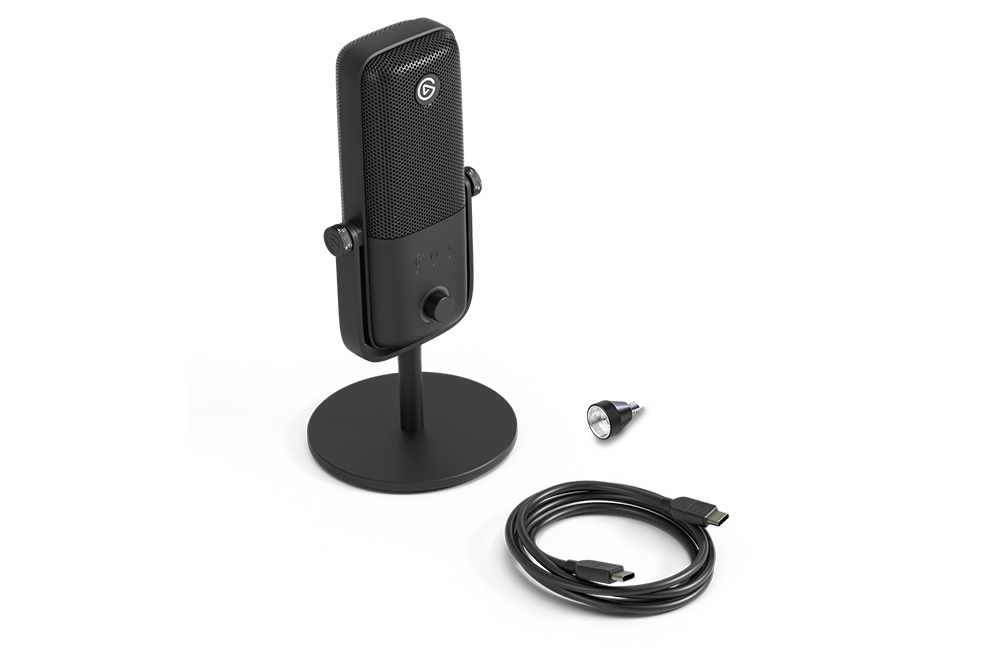
Why it fits a modern creator desk: USB-C condenser aimed at streaming/podcasting with manufacturer claims around Clipguard 2.0, auto gain helpers, and onboard DSP (voice enhancer / compressor / EQ) plus multifunction controls. Useful if you already live in Elgato’s software ecosystem.
Limitations: Newer MK.2—verify OS requirements on the listing (current public copy emphasizes recent Windows/macOS). Software features depend on Elgatos apps remaining supported.
Buy: Elgato Wave:3 MK.2 on Amazon
Pick Yeti for pattern flexibility and ubiquity; pick Wave:3 MK.2 if you want Elgato’s DSP/control workflow. You do not need both.
2. Elgato Key Light Air MK.2
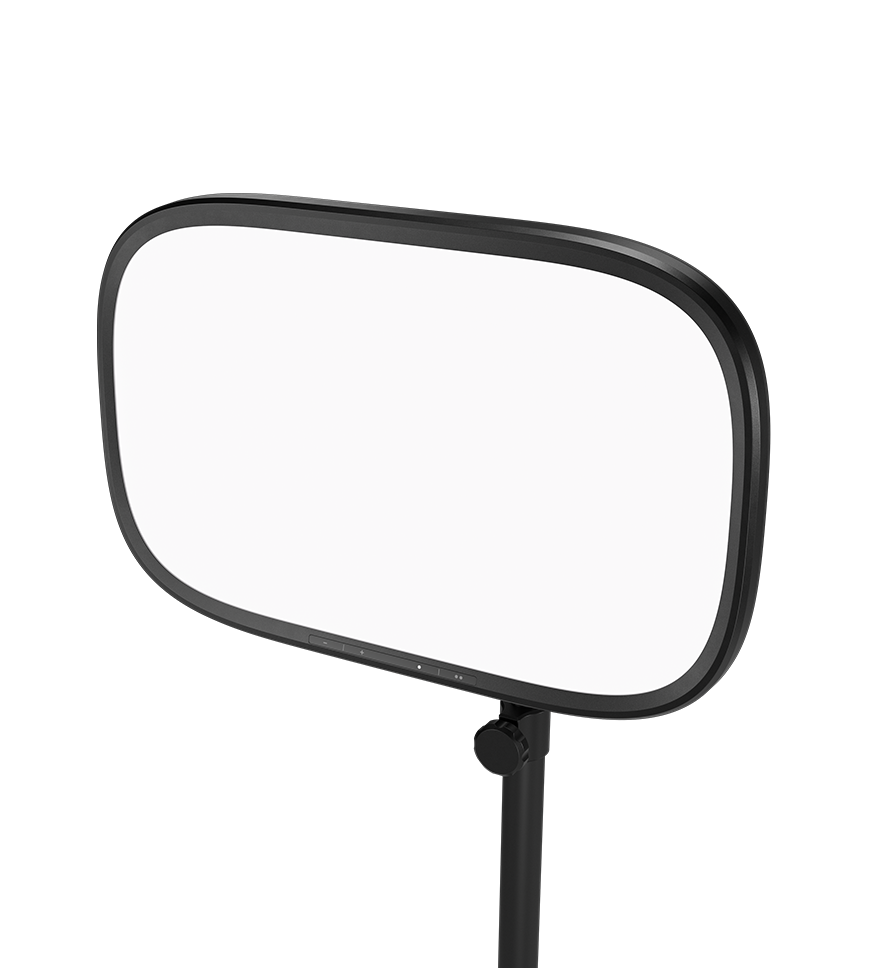
Why it fits batch shorts: Edge-lit desk panel with public specs up to roughly 2100 lumens, full-spectrum color roughly 2900–7000K, touch controls, USB-C power options, and Wi-Fi/app control—so you can save a “batch shorts” preset and recall brightness/temp without fiddling bulbs.
Limitations (important): Many Key Light Air MK.2 Amazon listings do not include a USB-C PD power adapter—full brightness often needs a separate PD 3.0+ supply (or laptop USB-C / battery bank). Confirm “what’s in the box” on the listing. App/Wi-Fi setup also adds a step versus dumb softboxes.
Buy: Elgato Key Light Air MK.2 on Amazon
3. Keep the boom arm
The same InnoGear boom arm still works under a Yeti or Wave-series mic when weight and thread adapters match. If you standardize fully on Elgato mounts later, thats optional—not required to start batching.
Optional: capture card?
Most AI-shorts workflows record webcam, phone, or camera files directly. A capture card helps when you need clean HDMI from a camera or console into the PC while monitoring. We did not lock a capture-card SKU into this page because it isn’t required for a basic talking-head batch stack. Add one only if your camera’s best footage is HDMI-only and your editor expects a clean input.
Quick comparison: which stack should you buy?
| Question | Choose budget | Choose step-up |
|---|---|---|
| First mic+light purchase? | Yes — FIFINE + Neewer + boom | Only if you already know you’ll batch weekly |
| Need app presets for color/brightness? | Softboxes are manual | Key Light Air MK.2 |
| Need multi-pattern mic? | No — K669B cardioid is fine | Blue Yeti |
| Already using Elgato Stream Deck / Wave Link? | Optional | Wave:3 MK.2 + Key Light Air MK.2 |
| Tiny desk, hate light stands? | Softbox stands need floor space | Key Light Air MK.2 is desk-clamp oriented |
Batch-day checklist (no special software required)
- Set mic input as default in OS; speak 6–12 inches off-axis; leave headroom so loud takes don’t clip
- Kill competing room lights or match white balance to your key
- Record a 10-second clap/slate at the start of each batch file
- Export one master file; let your AI clipper propose cuts—don’t “fix” audio in ten separate apps unless you must
- Leave boom + light positions marked with tape so tomorrow’s batch matches today’s
How we chose these products
Publish Pass is a privately owned site. For this gear page we:
- Verified live Amazon product pages and ASINs before linking
- Relied on manufacturer-stated specs and widely documented creator use, not fabricated unboxings or personal endorsements we haven’t earned
- Omitted SKUs we could not verify or that showed as unavailable at verification time
We will not invent earnings, dashboards, or “before/after revenue” claims around lighting and mics.
Bottom line
Start with FIFINE K669B + Neewer softboxes + a boom arm if you need a coherent capture stack this week. Step up to Blue Yeti or Wave:3 MK.2 + Key Light Air MK.2 when batch frequency justifies faster light recall and nicer mic controls. Keep the geometry identical across takes—that consistency helps every AI clipper and editor you use downstream.
Affiliate links use Amazon Associates tag publishpass20-20. Product availability and included accessories can change; re-check the listing before you buy.