
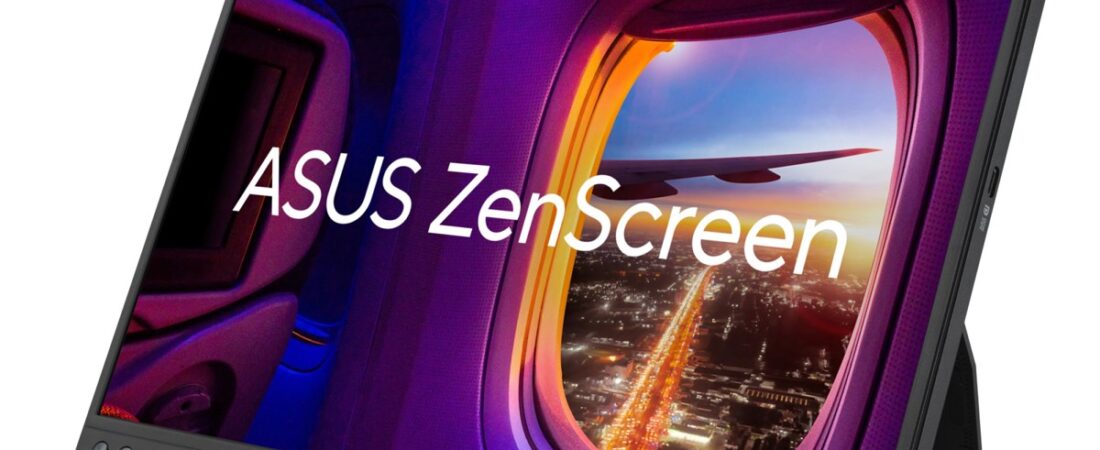
Disclosure: This post contains affiliate links. Publish Pass may earn a commission if you purchase through them, at no extra cost to you. We only recommend gear that fits a real short-form workflow. We do not invent brightness tests, color-accuracy scores, or “this screen doubled my output” stories. Specs below come from manufacturer product and spec pages, plus Amazon public listings where noted. Not hands-on tested by Publish Pass.
Editing Shorts on a laptop means squeezing a timeline, a 9:16 preview and your clip list onto one small screen. A portable monitor gives you a second screen you can carry, and some can stand on their side so a vertical video fills more of the panel. This guide compares portable USB-C monitors that were sold by Amazon.com or the brand on Amazon when we checked (Oct 30, 2026), on what matters for a Shorts edit: maker-stated resolution, color range, ports, whether the maker supports portrait use, and how it stands on a desk.
Top pick for a vertical preview: ASUS ZenScreen MB16AHV. Sharper screen: ARZOPA Z1RC 16″ 2.5K. Desk setups: Lenovo L15. Lowest price: ARZOPA A1 15.6″. All guides: Guides.
Who this is for
- Creators who cut Shorts, Reels or TikToks on a laptop and want the preview or the clip list on a second screen
- Anyone who edits away from a desk (a hotel, a studio corner, a shoot location) and needs a screen that fits in a laptop bag
- People whose laptop has a USB-C port that outputs video and who want one cable for picture and power
- Budget setups that want maker specs side by side, not a 20-monitor roundup
Who should skip
- Color grading for clients. None of these makers sells them as calibrated reference displays. If color has to match exactly, look at a calibrated desktop monitor.
- Laptops without video over USB-C. The single-cable setup needs a USB-C port with DisplayPort Alt Mode (ASUS says this in its own FAQ). Without it you’ll need the HDMI route and separate power, or a different screen.
- A permanent desk monitor. If the screen will never leave your desk, a full-size monitor usually gives you more screen for the money.
- High refresh rate gaming. Every pick here is 60Hz per its maker.
Which portable monitor fits your setup?
| Your setup | Choose |
|---|---|
| Preview vertical Shorts on a screen turned on its side; mount it on a stand | ASUS ZenScreen MB16AHV (maker: auto-rotation via DisplayWidget Center, 1/4″ tripod socket) |
| Sharper text and more vertical room on the timeline | ARZOPA Z1RC 16″ 2.5K (maker: 2560×1600, 16:10, 123% sRGB) |
| Laptop on a desk, want the screen raised a little and charging passed through | Lenovo L15 (maker: height-adjust stand, 2 USB-C up to 65W, VESA 100) |
| Lowest price for a basic second screen | ARZOPA A1 15.6″ (maker: 1080p, 2 USB-C + mini HDMI) |
Top pick for a vertical preview: ASUS ZenScreen MB16AHV
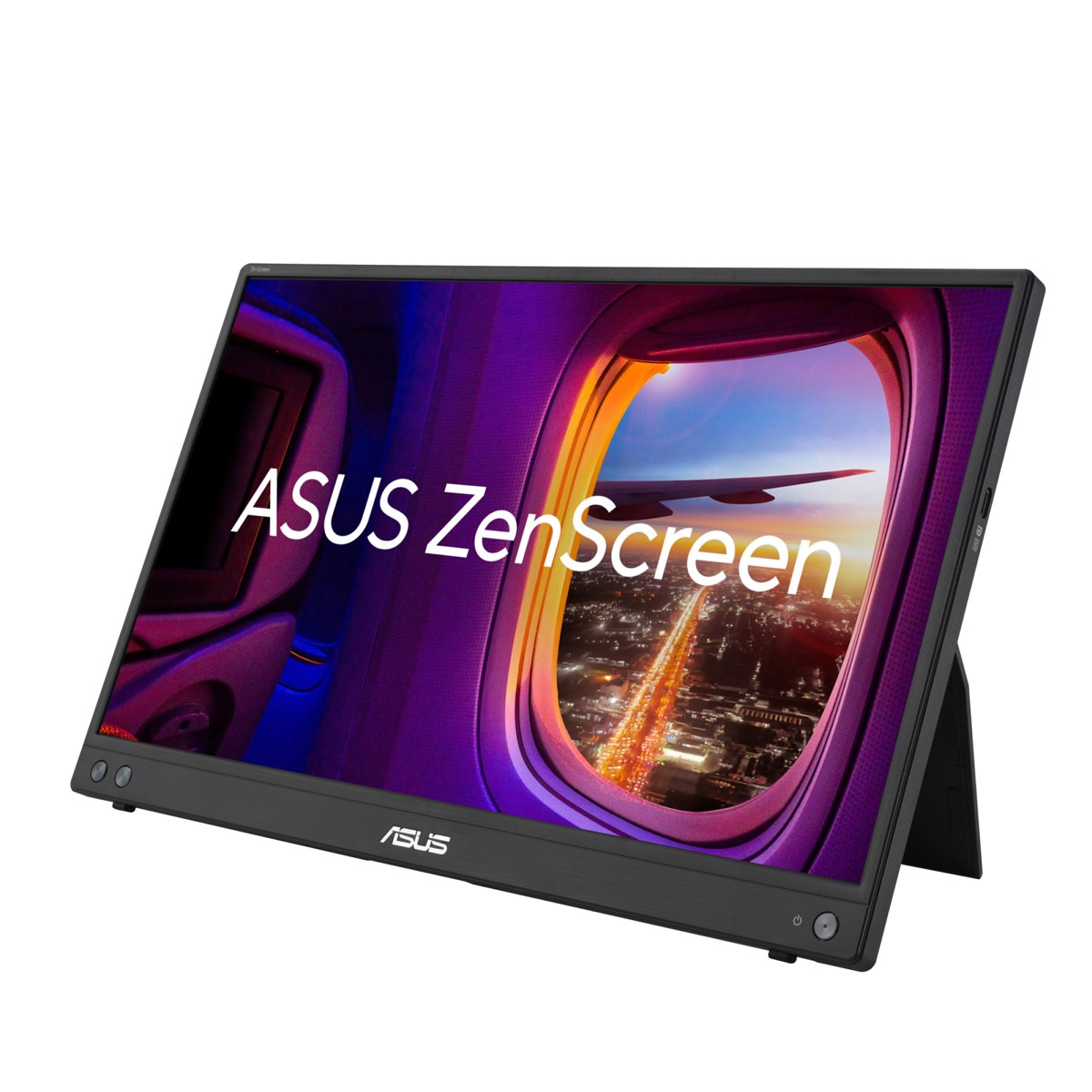
Why it’s on the list (from ASUS’s MB16AHV tech specs and its Amazon listing; not hands-on):
- Maker-supported portrait mode. ASUS lists auto-rotation, supported by its DisplayWidget Center software, so the picture can switch to portrait when you turn the screen. It’s the only pick here whose maker lists auto-rotation.
- 1/4″ tripod socket. ASUS says you can attach it to a tripod or table mount, which is one way to hold the screen on its side for a 9:16 preview.
- Two USB-C ports (DP Alt Mode) plus mini HDMI. ASUS lists 15W USB-C Power Delivery, and ASUS lists a mini HDMI to HDMI adapter and a power adapter in the box (accessories vary by region).
- 15.6″ 1920×1080 IPS, anti-glare, 60Hz, 250 nits and 800:1 contrast per ASUS.
- 1.98 lb (0.9 kg) and 1 cm thick, with a fold-out kickstand that tilts from 15° to 35°, per ASUS.
Honest limits: ASUS lists 262K display colors, so this is a layout and preview screen, not one for judging color. Auto-rotation needs ASUS’s software on your laptop. Some buyers on Amazon report that the kickstand broke within a few months. It has no speakers.
Buyer note on naming: On Amazon (ASIN B0CGGLZ8YT) the listing’s model number is MB16AHV and its size option reads “16 Inch”; ASUS lists the panel as 15.6″. The listing’s contrast field shows “1”, which looks like a listing error; we use ASUS’s 800:1. Check that the live title still says MB16AHV before you buy (the MB16ACV is a different model with one USB-C port and no HDMI).
Buy: Check ASUS ZenScreen MB16AHV on Amazon
Sharper screen: ARZOPA Z1RC 16″ 2.5K
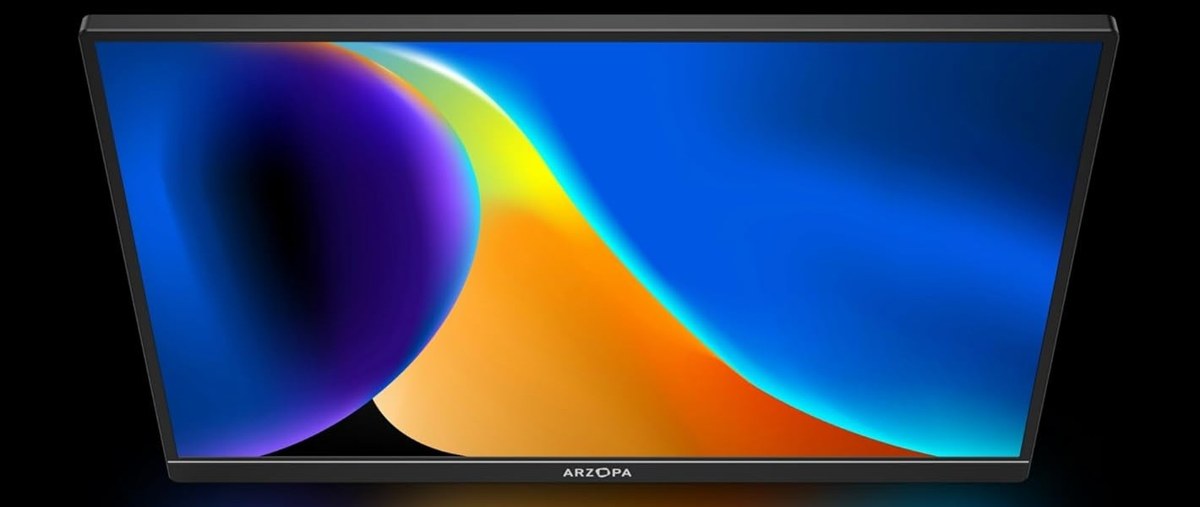
Why it’s on the list (from ARZOPA’s Z1RC product page; not hands-on):
- 2560×1600 on a 16″ 16:10 panel, the highest resolution on this page. The taller 16:10 shape leaves more room for timeline tracks under the preview.
- 123% sRGB and 10-bit (8-bit + FRC) color per ARZOPA, the widest maker-stated color range here.
- 350 nits and 1200:1 contrast, the brightest maker figures on this page.
- Two USB-C ports (USB 3.1, PD power and DP output) plus mini HDMI 2.0, per ARZOPA.
- Built-in stand, 2 x 1W speakers and a 2-year standard warranty, per ARZOPA.
Honest limits: ARZOPA says the Z1RC’s built-in stand supports portrait use, but it doesn’t list auto-rotation or a tripod mount, so for a vertical preview you rotate the picture in your laptop’s display settings. A wider color range isn’t the same as calibrated color. Some buyers on Amazon report the screen stopped working or broke within a year.
Buyer note on specs: On Amazon (ASIN B0CH9XR3G4) the listing says 1.46 lb in its feature text and 0.78 kg in its weight field; ARZOPA’s own spec table says 1.79 lb. The listing’s warranty fields also disagree with each other (1 year and 2 years); ARZOPA’s page says 2 years. Check that the live title still says Z1RC with the 2.5K style selected before you buy (the same listing also offers 144Hz and 180Hz models).
Buy: Check ARZOPA Z1RC 16″ 2.5K on Amazon
Desk setups: Lenovo L15
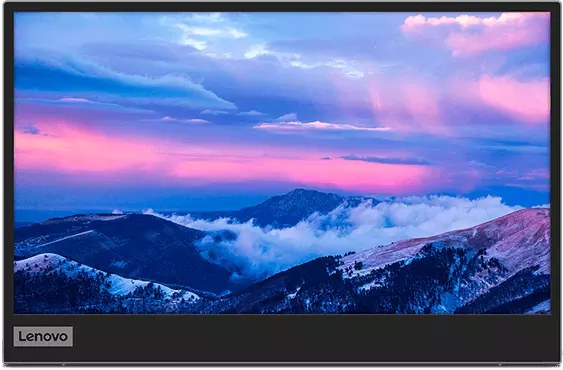
Why it’s on the list (from Lenovo’s PSREF spec sheet for the L15; not hands-on):
- Two USB-C 3.1 Gen 1 ports (DP 1.2 Alt Mode), up to 65W. Lenovo’s Amazon listing says the port supports power pass-through up to 65W, so the laptop and the monitor can run off one charger.
- Height-adjust stand that Lenovo says lifts up to 10 mm, plus a 100 mm VESA mount (2 screw holes) if you’d rather put it on an arm.
- 15.6″ 1920×1080 IPS, anti-glare, 60Hz, 250 nits and 1000:1 contrast, 8-bit, per Lenovo.
- 1.90 lb (0.86 kg) with the stand, and a sleeve, clips and a 1 m USB-C cable in the box, per Lenovo.
- Lenovo Artery software for display settings on Windows and macOS, per Lenovo.
Honest limits: Lenovo lists 45% NTSC color, the narrowest range here, so don’t judge color on it. The stand only lifts about 10 mm, per Lenovo. There’s no HDMI, so your laptop’s USB-C port must output video. Lenovo doesn’t describe a portrait mode. Some buyers on Amazon report a USB-C port failing or the screen getting stuck in standby. Lenovo’s spec sheet lists a 1-year or 3-year base warranty depending on the model; check the listing.
Buyer note on naming: On Amazon (ASIN B0B5GRGCX5) the model number is 66E4UCC1UZ, while Lenovo’s spec sheet lists the US model as 66E4UCC1US; both show the same UPC (195891581100). The listing calls the screen glossy and shows a 4.7 lb item weight; Lenovo says anti-glare and 1.90 lb. We use Lenovo’s numbers. Check that the live title still says L15 before you buy.
Buy: Check Lenovo L15 on Amazon
Lowest price: ARZOPA A1 15.6″
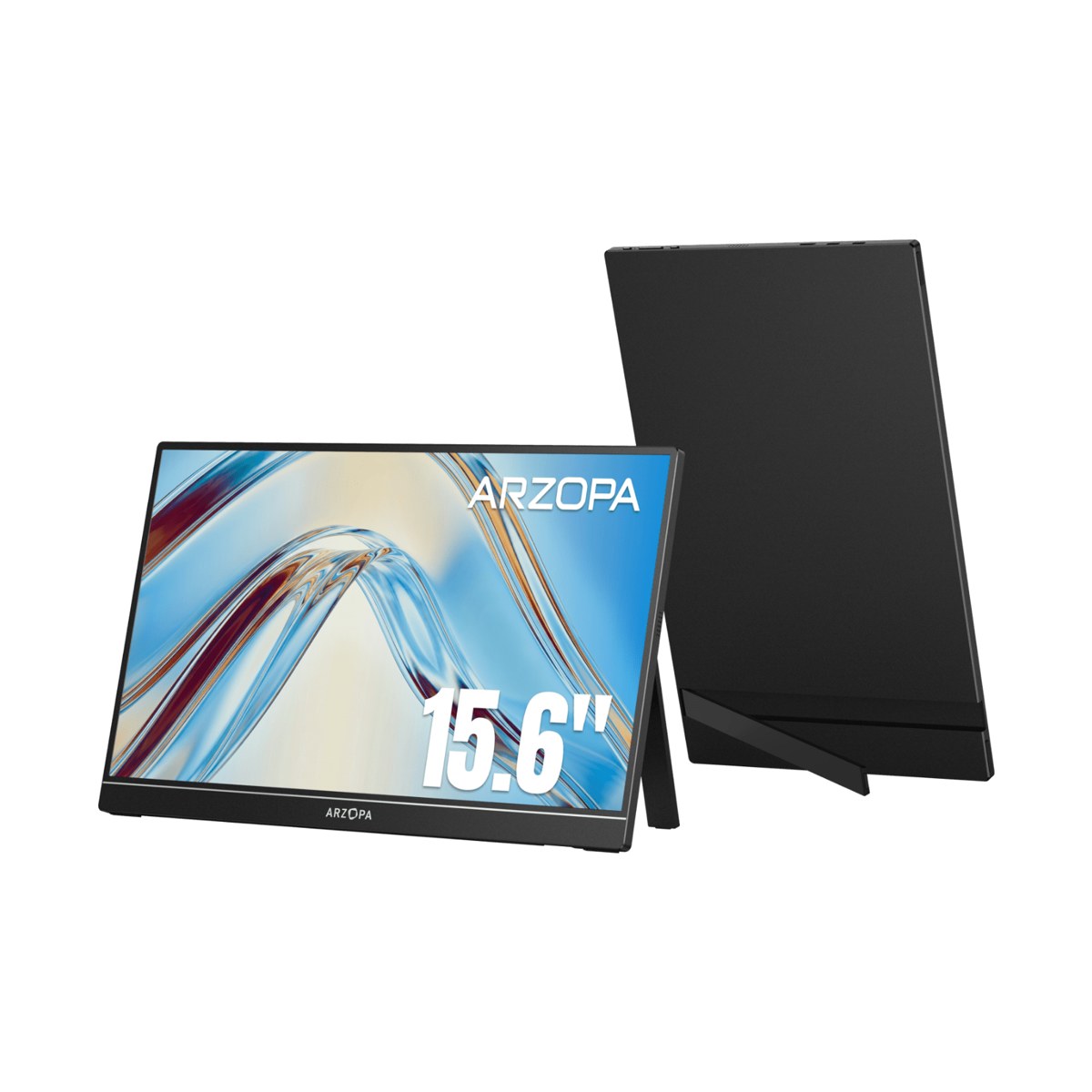
Why it’s on the list (from ARZOPA’s A1 product page; not hands-on):
- Lowest price on this page at our check, for a 15.6″ 1920×1080 IPS screen at 60Hz.
- Two USB-C ports (USB 3.1, PD power and DP output) plus mini HDMI 2.0, per ARZOPA.
- 1.64 lb and 9.3 mm thick, with a built-in stand and an aluminum alloy body, per ARZOPA.
- 2 x 1W speakers, per ARZOPA.
- 2-year standard warranty, per ARZOPA.
Honest limits: ARZOPA lists 65% sRGB, 6-bit color and 250 nits, so it’s a screen for your clip list or script, not for judging color. ARZOPA doesn’t describe a portrait mode or tripod mount for it. Amazon shows a newer ARZOPA model on this listing, and stock was low at our check. Some buyers on Amazon report connection trouble with some laptops and phones.
Buyer note on specs: On Amazon the listing says 300 nits and 1000:1 contrast; ARZOPA’s own spec table says 250 nits and 800:1. We use ARZOPA’s numbers. The link below (B0CH9XW8RK) opens the A1 listing, whose details table shows ASIN B0CRKGCSGF. Check that the live title still says A1 before you buy.
Buy: Check ARZOPA A1 15.6″ on Amazon
Compare at a glance
| ASUS MB16AHV | ARZOPA Z1RC | Lenovo L15 | ARZOPA A1 | |
|---|---|---|---|---|
| Size / resolution / shape (maker) | 15.6″ / 1920×1080 / 16:9 | 16″ / 2560×1600 / 16:10 | 15.6″ / 1920×1080 / 16:9 | 15.6″ / 1920×1080 / 16:9 |
| Color range (maker) | Not listed (262K colors) | 123% sRGB | 45% NTSC | 65% sRGB |
| Brightness (nits) / contrast (maker) | 250 / 800:1 | 350 / 1200:1 | 250 / 1000:1 | 250 / 800:1 |
| Video ports (maker) | 2 USB-C + mini HDMI | 2 USB-C + mini HDMI | 2 USB-C (up to 65W) | 2 USB-C + mini HDMI |
| Portrait support (maker) | Yes, auto-rotation (ASUS software) | Yes, stand supports portrait (ARZOPA); rotate in OS settings | Not described | Not described |
| Stand / mount (maker) | Kickstand + 1/4″ tripod socket | Built-in stand | Height-adjust stand (10 mm) + VESA 100 | Built-in stand |
| Weight (maker) | 1.98 lb | 1.79 lb | 1.90 lb | 1.64 lb |
| Warranty (maker) | Not listed on spec page | 2 years | 1 or 3 years by model | 2 years |
| Best when | Vertical preview | Sharpest screen | Desk, pass-through charging | Lowest price |
All are 60Hz per their makers. Prices change often. Check the live listing.
Setting up a vertical preview
- Rotate the picture, then the screen. Windows and macOS display settings usually let you set an external display to portrait. ASUS lists auto-rotation with its DisplayWidget Center software for the MB16AHV. With the other picks, set it by hand.
- Hold it on its side safely. ASUS says the MB16AHV’s kickstand can prop it up in portrait or landscape, and its 1/4″ tripod socket takes a tripod or table mount (not included) rated for the screen’s weight. ARZOPA says the Z1RC’s built-in stand supports portrait. The other makers don’t describe portrait use, so check their guidance before propping one on its edge.
- Check your USB-C port first. One-cable setups need a USB-C port that outputs video (DisplayPort Alt Mode). If your laptop’s ports are taken, a USB-C hub or dock can free one up; check the hub supports video out.
- Plan the desk space. A 15.6″ or 16″ screen beside a laptop needs room. Our standing desk guide compares maker-stated top sizes if you’re building a desk setup.
Setup / workflow: record → offload → clip → preview → caption
- Record your long video or batch of takes.
- Offload the footage to a fast drive; our portable SSD guide compares maker-stated speeds.
- Clip. Cut Shorts by hand or start from an AI clipper; see AI clippers under $30 a month.
- Preview on the second screen. Keep the timeline on the laptop and the 9:16 preview on the portable monitor, turned to portrait if your setup allows it.
- Caption and export. Our auto-caption tools guide covers the caption step.
Quick pick
- Vertical Shorts preview: ASUS ZenScreen MB16AHV
- Sharper screen, more timeline room: ARZOPA Z1RC 16″ 2.5K
- Laptop on a desk, pass-through charging: Lenovo L15
- Lowest price: ARZOPA A1 15.6″
FAQ
Can a portable monitor show Shorts in portrait?
Usually, yes: Windows and macOS display settings can usually rotate an external screen to portrait. The harder part is holding the screen on its side. ASUS is the only maker here that lists auto-rotation (MB16AHV, with its software) and a tripod socket; ARZOPA says the Z1RC’s stand supports portrait.
Will one USB-C cable be enough?
Only if your laptop’s USB-C port outputs video (DisplayPort Alt Mode) and supplies enough power. If not, use HDMI where the monitor has it, with separate power.
Can I color-correct on these?
We wouldn’t rely on it. The makers list ranges from 45% NTSC to 123% sRGB, and none sells these as calibrated displays. Use them for layout, preview and clip lists.
15.6″ 1080p or 16″ 2.5K?
The ARZOPA Z1RC’s 2560×1600 panel fits more detail and a taller timeline in a similar size. A 1080p screen is enough for a preview window or a clip list.
Did you test these?
No. This guide uses manufacturer specs and public listings. See How We Review.